
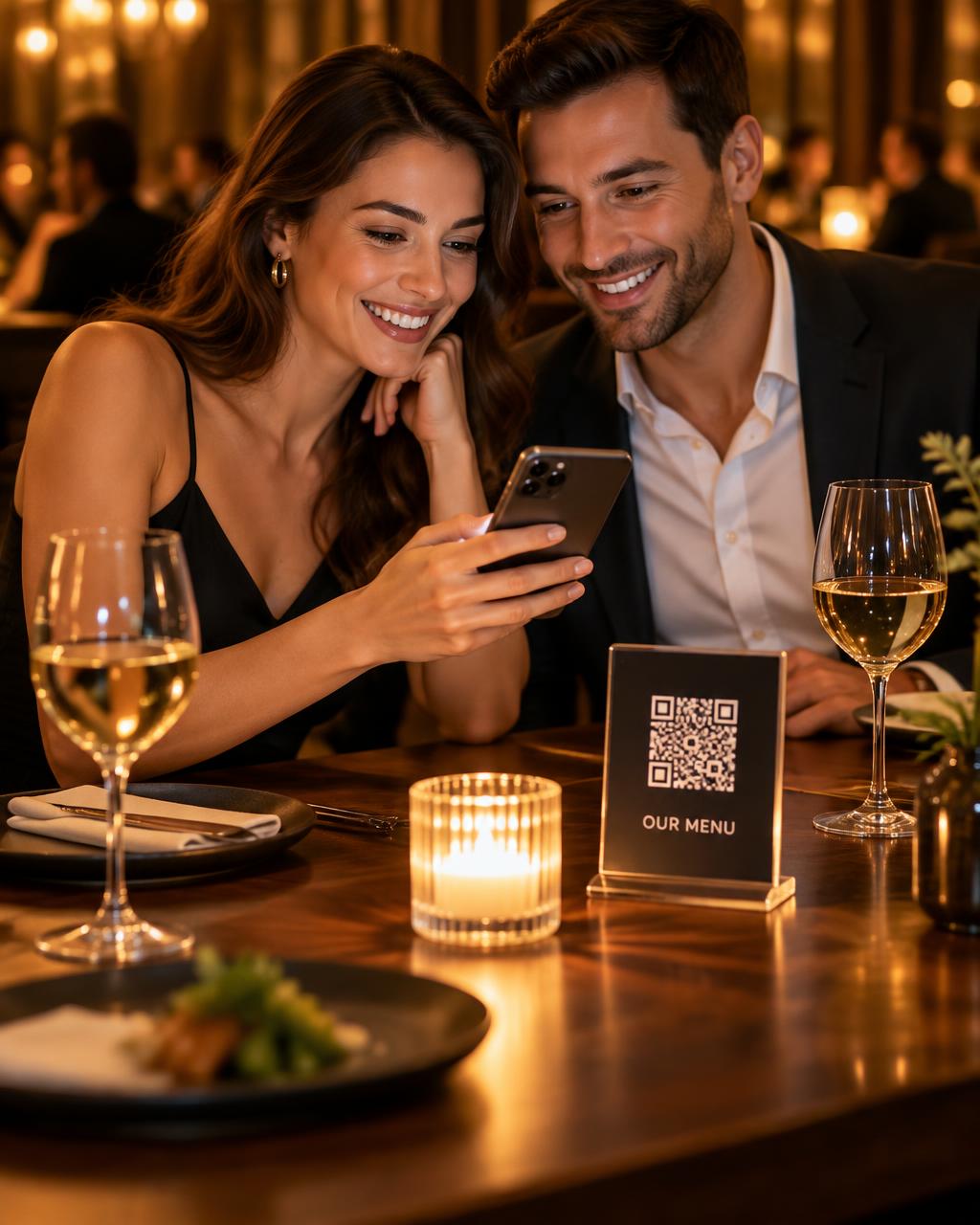
DINING & ORDERING
A menu worth exploring.
Photos, prices, dietary details and allergens. Room service or table ordering, with live order tracking.
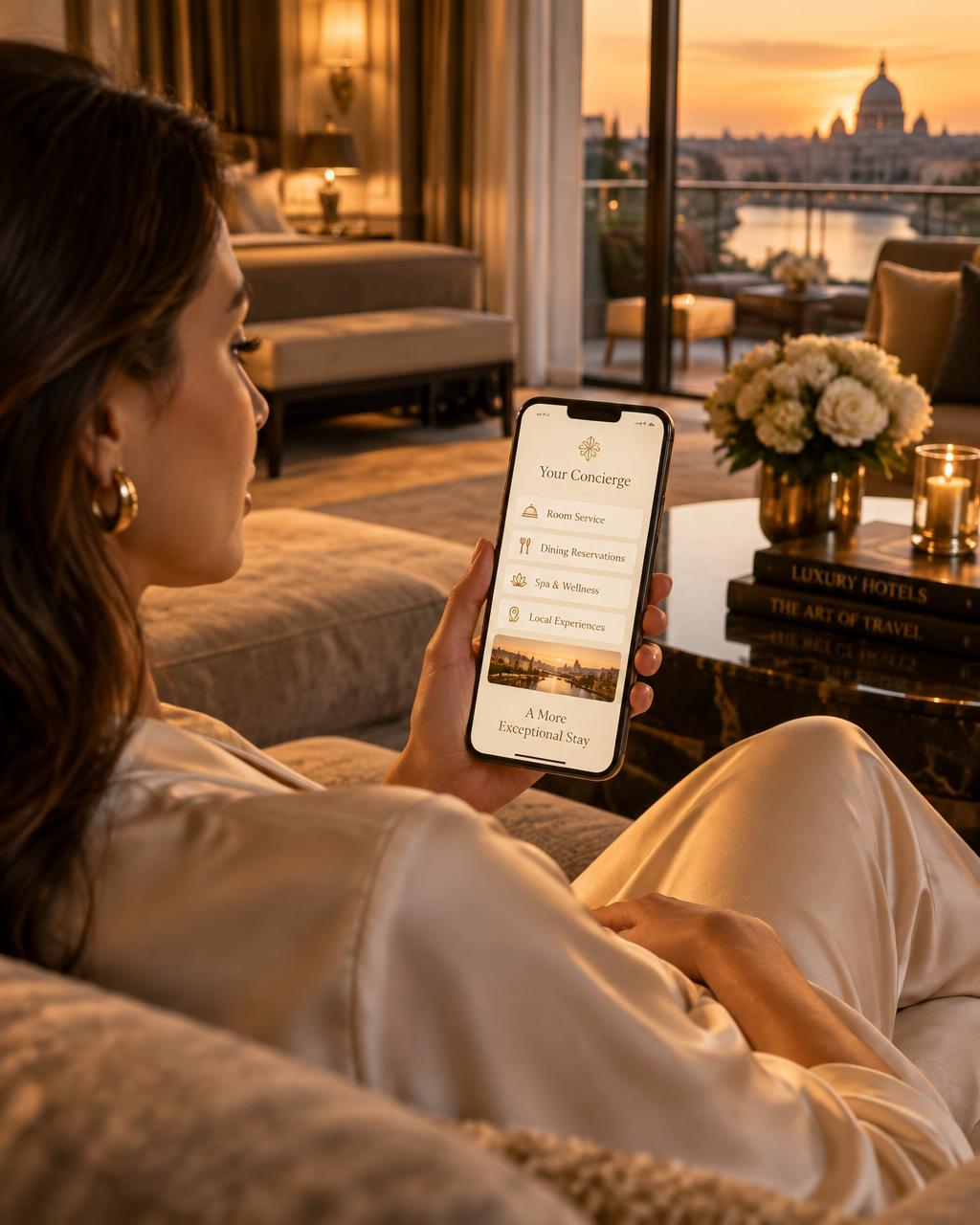
DIGITAL CONCIERGE · HOTELS & RESTAURANTS
Your hotel concierge.
One QR code away.
Guests scan a room QR code to order food, request towels, find Wi-Fi and explore nearby places. Your team receives every request with the room number and tracks it through to completion.
HOW IT WORKS
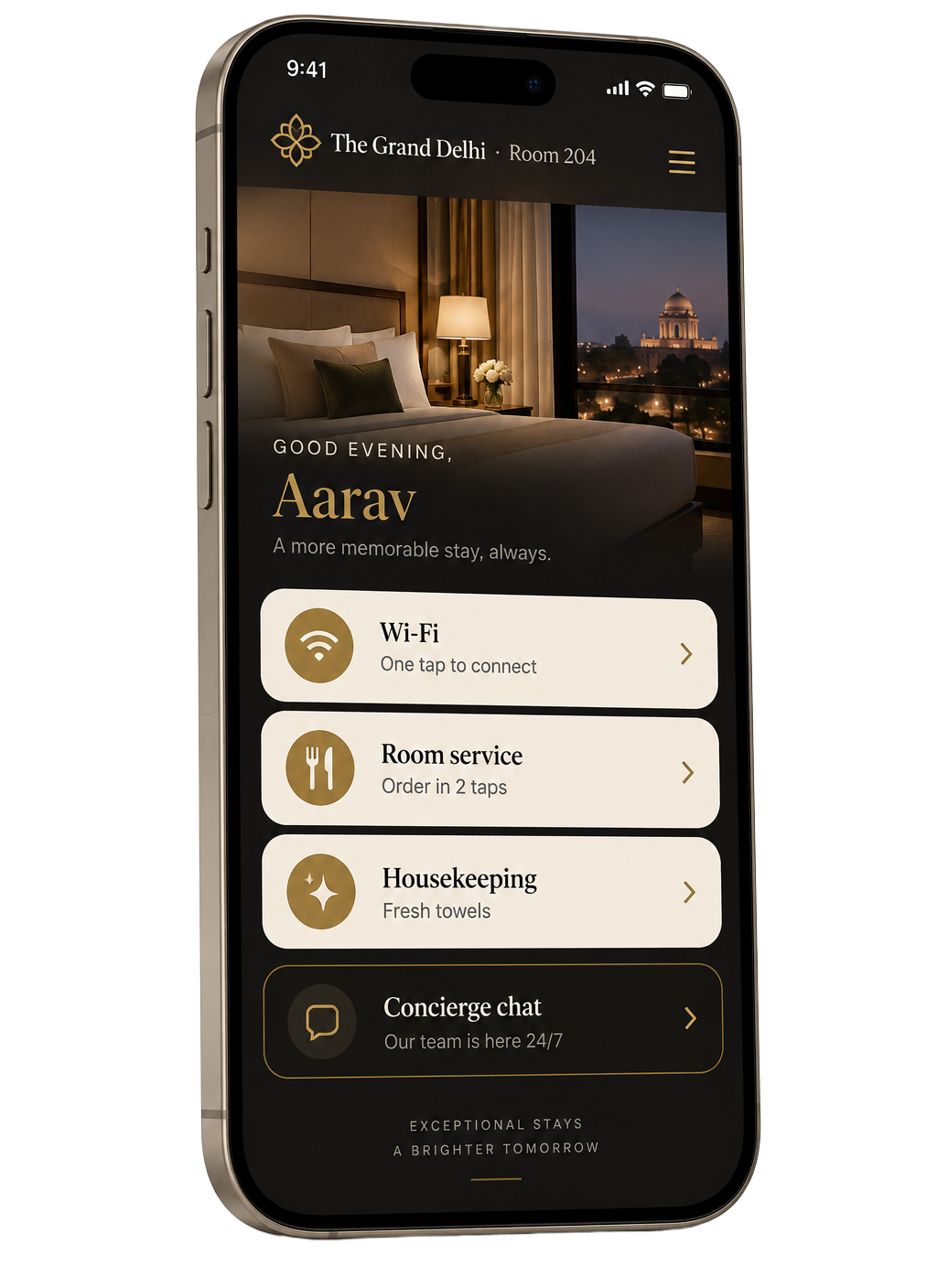
Your venue. On their phone.
THE GUEST EXPERIENCE
Give guests answers without a call to reception. Give staff the details they need to respond, without passing messages between teams.
DINING & ORDERING
Photos, prices, dietary details and allergens. Room service or table ordering, with live order tracking.
GUEST REQUESTS
Guest requests go straight to your team, with room details and a clear status.
STAY CONNECTED
The network and password, always within reach.
CITY GUIDE
Nearby sights, places to eat and your own recommendations.
STAFF & ANALYTICS
See request trends and activity to make better decisions for your venue.
FEEDBACK & REVIEWS
Collect guest feedback and make it easy to leave a Google review.
FAQ
No. Guests scan the QR with their phone camera and OREVIA opens in their browser. There is nothing to install and no guest account to create.
Yes. A QR on each table gives guests your digital menu and ordering. Orders reach your team with the table number.
No. Your room QR stays the same between stays. Check-in and checkout update access behind the scenes. Only deliberately generating a new QR link requires a reprint.
Yes. Staff can view and claim requests, manage rooms and update venue details from their phone, or use the dashboard on a computer.
REQUEST A DEMO
Share your venue details to request a demo. We’ll get in touch to discuss your guest services, menus and QR setup.